Images & videos
Make product images and video ads on one board.
Put a product photo on a board, wire it to a prompt, and render images, video and voiceover with the leading models. Each render shows its price before it runs, and every result is saved to the library your emails and popups pick from.
Capabilities
One board,
from photo to ad.
01
Start from the product you sell
Pick a product from your Shopify catalog, drop in files, paste from the clipboard, or scan a QR code to send photos from your phone. Select several images and they become a group that runs as one batch. Built-in presets cover the shots a store needs: product on white, lifestyle scene, hero banner, flat lay, macro detail, in use on a model, and phone photo to studio.
Image groups and batches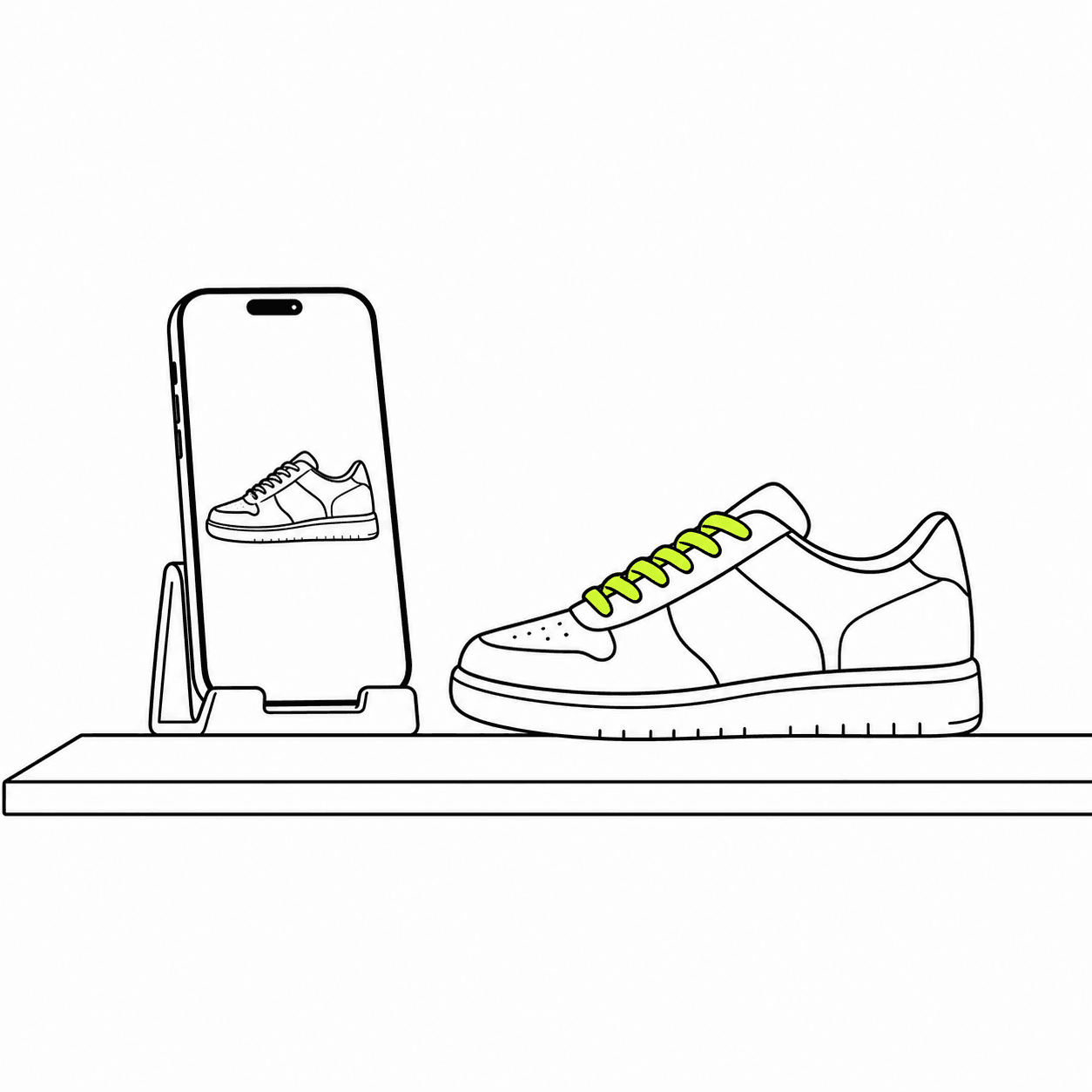
02
Images from up to four references
Wire up to four reference images into a prompt and cite each one by name, so the model knows which is the product and which is the scene. Choose GPT Image, Seedream or Nano Banana Pro, set the aspect ratio and a resolution up to 4K, and render up to eight versions in one run. Earlier versions stay on the card.
Generating images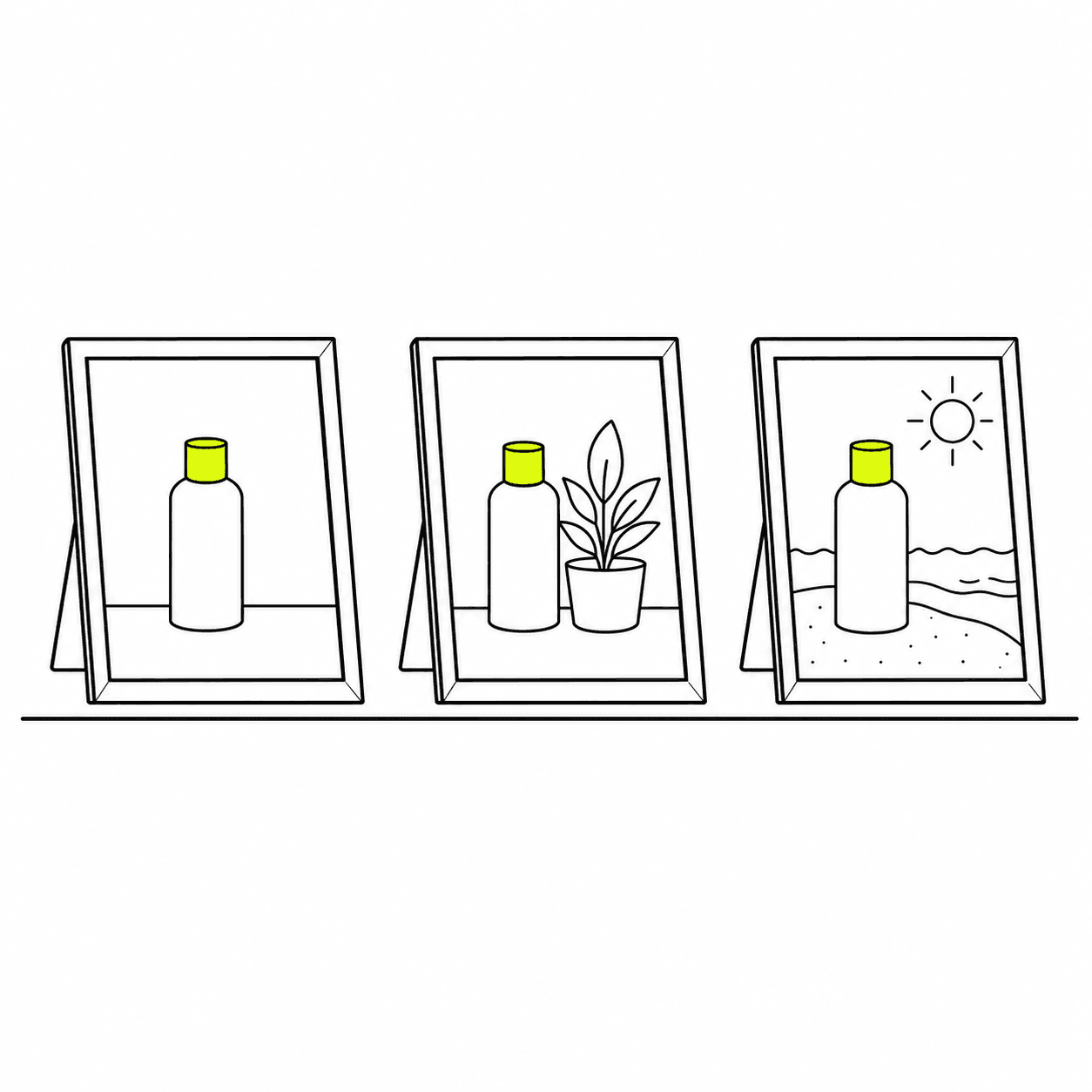
03
Video from a photo, or from a clip that works
Turn a product photo into a clip, set its first and last frame, or bring in a video you already have to edit or extend it. Seedance renders up to 30 seconds, with Veo 3.1 and Kling 3.0 alongside, at up to 1080p. Save a character or a scene once and use it on any board, so a series of ads keeps the same face.
Generating videos
04
From a script to a storyboard
Paste a script and generate a shot list, split it into shot cards, then render a frame for each shot and a clip from each frame. The voiceover is made on the same board, with voices from OpenAI, ElevenLabs, Gemini, Grok and Fish Audio.
Storyboards from a script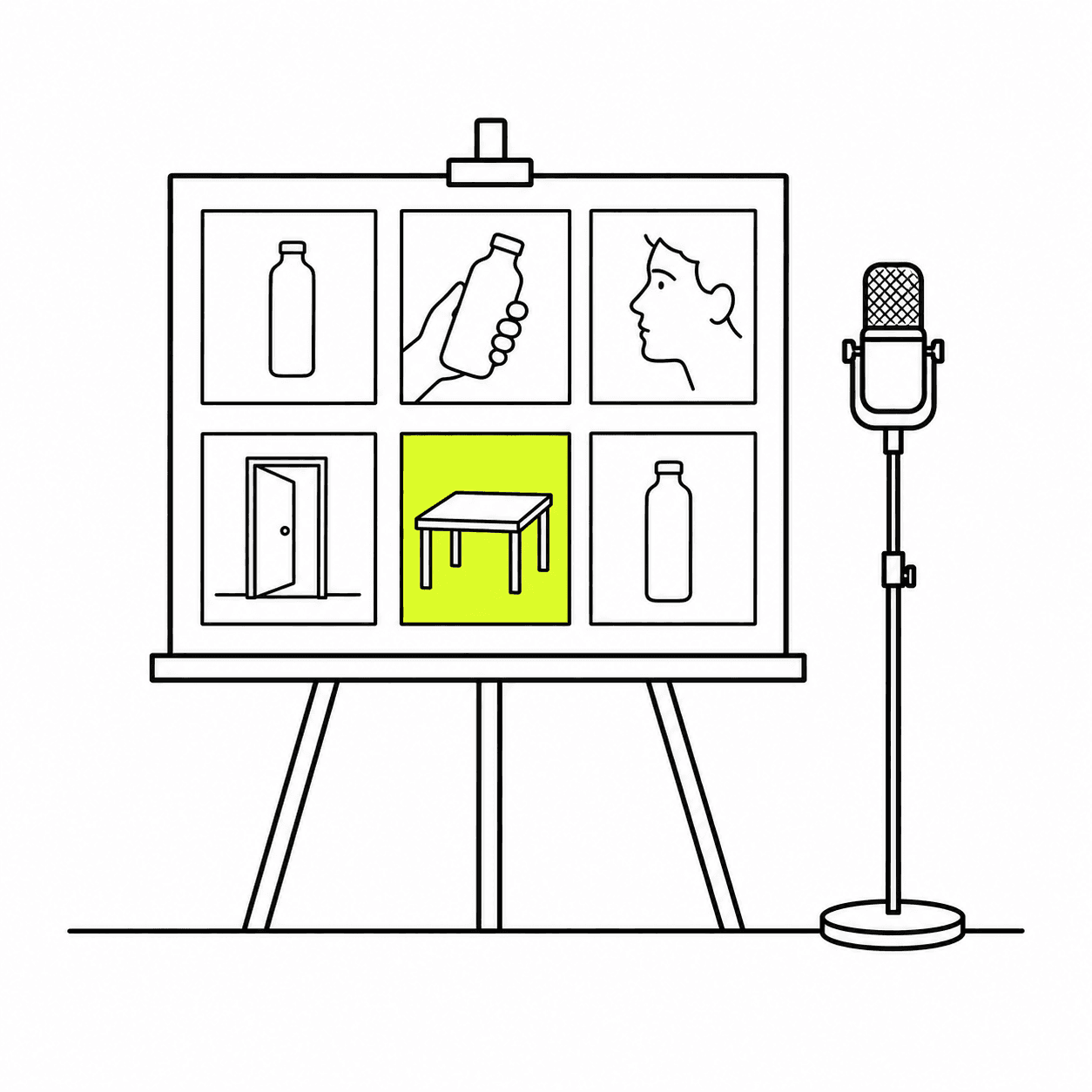
05
Finished, filed and ready to use
A layout card places your logo, a headline and a button over a picture in several sizes, at no usage cost. Make a GIF from a set of images, and download one file or a whole group as a zip. Every image is saved to the library with a description, tags, its main colors and the text inside it, and the email and popup editors pick from that library.
Before you render
Cost and brand, settled first.
A render spends money and carries your name. Both are decided before it runs.
01
The price before you run
Each render is priced in US dollars and the card shows the price before you start. It comes out of your usage balance, and a render that fails costs nothing.
02
Brand rules on every render
Write in your brand kit what must always appear and what must never be shown. Those rules are added to every image and video prompt.
03
Skills the team reuses
Save a prompt that works, with its settings, as a skill. Anyone in the workspace can then run it on their own product.
04
One editor at a time
Teammates see who else is on a board. One person edits while the others watch, and editing is handed over on request, so nobody overwrites anyone.
Questions, answered.
Which AI models can I use for images and video?
Images: GPT Image 2.6, 2.5 and 2, Seedream 5.5 and 5.0 Pro, and Nano Banana Pro. Video: Seedance 2.5, 2.5 Flash and 2.0, Veo 3.1 and Veo 3.1 Fast, and Kling 3.0. See every model and its price.
Can I edit a video I already have?
Yes. Bring the clip onto the board and use Seedance in Edit mode to change it, or in Extend mode to continue it. An ad that already works gets a new version without a new shoot.
Can I turn a phone photo into a studio shot?
Yes. Send the photo from your phone with the QR code, then run the phone photo to studio preset, or product on white. Your photo is the reference, so the render starts from the product itself and not from a description of it.
How is it billed?
Per render, in US dollars, from the same usage balance as email. Zalify Creative comes with every plan, from Starter at US$29/month. The price depends on the model and on the quality, resolution or length you choose, and you see it before you run. See each model's price and pricing.
Is AI creation included when my plan is billed through Shopify?
Not by default. Plans billed through Shopify don't include AI renders; boards, layout cards, GIFs and the asset library still work. To add AI creation, contact our client team and we'll set it up for you.
Can an AI agent make assets for me?
Yes. Through Zalify MCP, an agent such as Claude can render images, video, voiceover, music and sound effects into your library and add cards to your boards. MCP is available on the Starter plan and above.
Put your first product on a board.
Start from the photos you already have, or book a demo and we'll set up your brand kit with you.