Multi-touch attribution
See which ad, campaign and creative drove each Shopify order.
Zalify Attribution ties every order to the visits before it, across Meta, Google, TikTok, email and direct, down to the campaign and the ad that earned it. Switch between five models and open any order to see the clicks behind it. Each order is counted once, so the channels add up to your revenue.
Capabilities
See what drives
every sale.
01
Every visit before the order
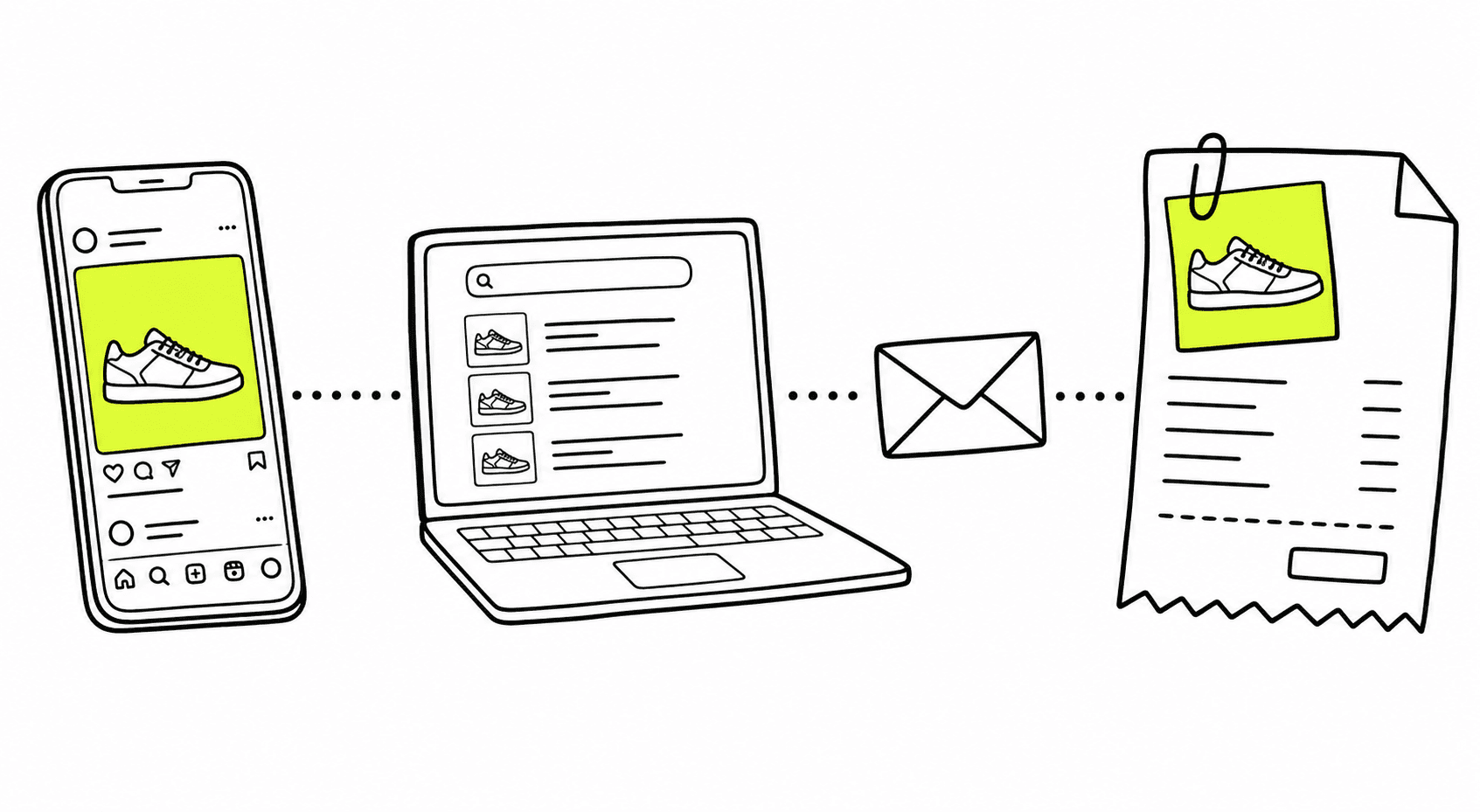
Each order keeps the visits that led to it: the first visit that found the customer, the last one before checkout, and every return in between, joined across sessions.
Understand attribution in Zalify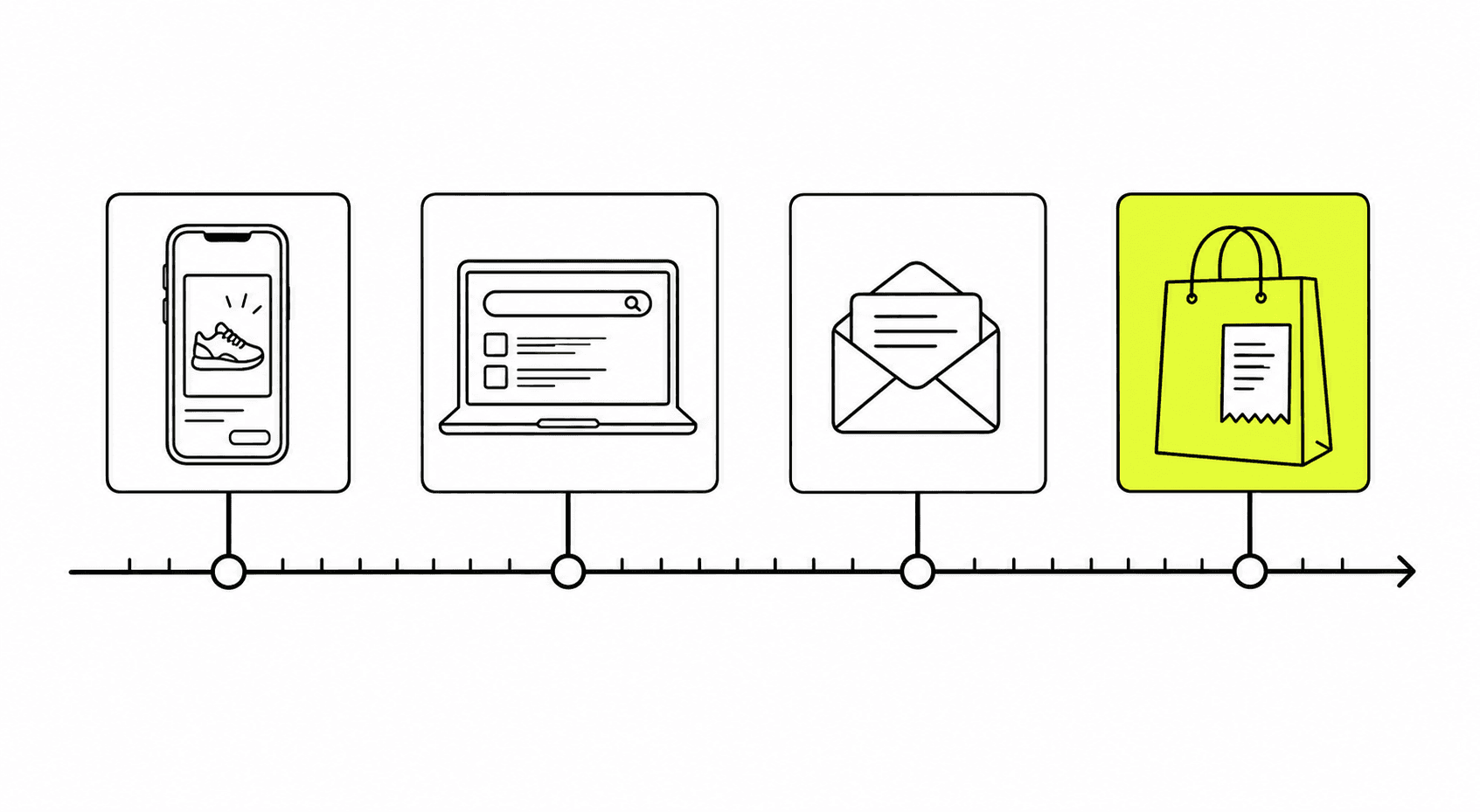
02
Five models, one switch
Last click, last non-direct click, first click, linear and any click. Switch the model and every channel and order recomputes, so you can see what found a customer and what closed the sale.
Attribution models explained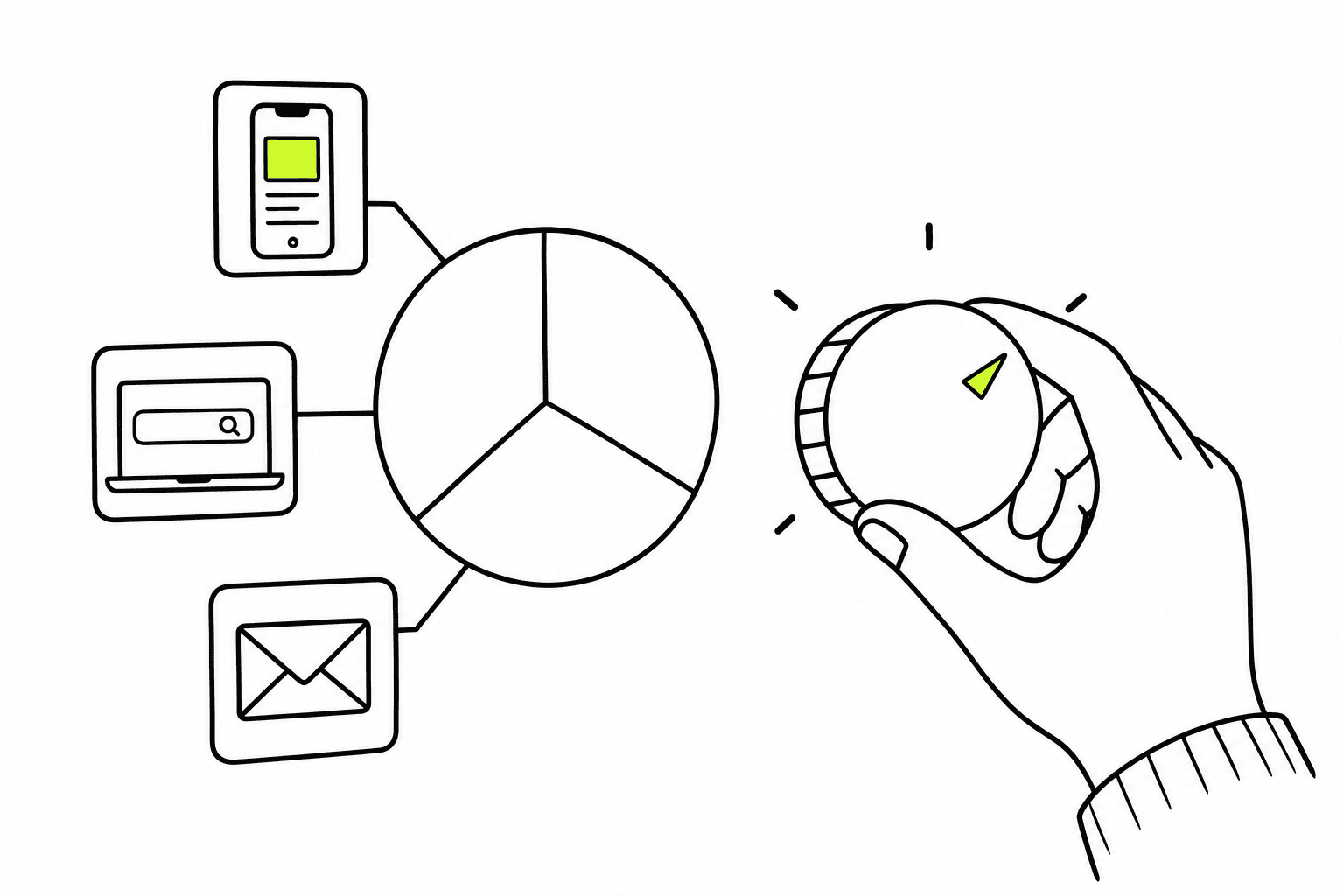
03
Down to the ad
Channels open into source and medium, then campaign, ad set and ad, read from the UTM tags on each visit. Email revenue sits in the same report, credited with the same model.
Tag every ad for creative-level attribution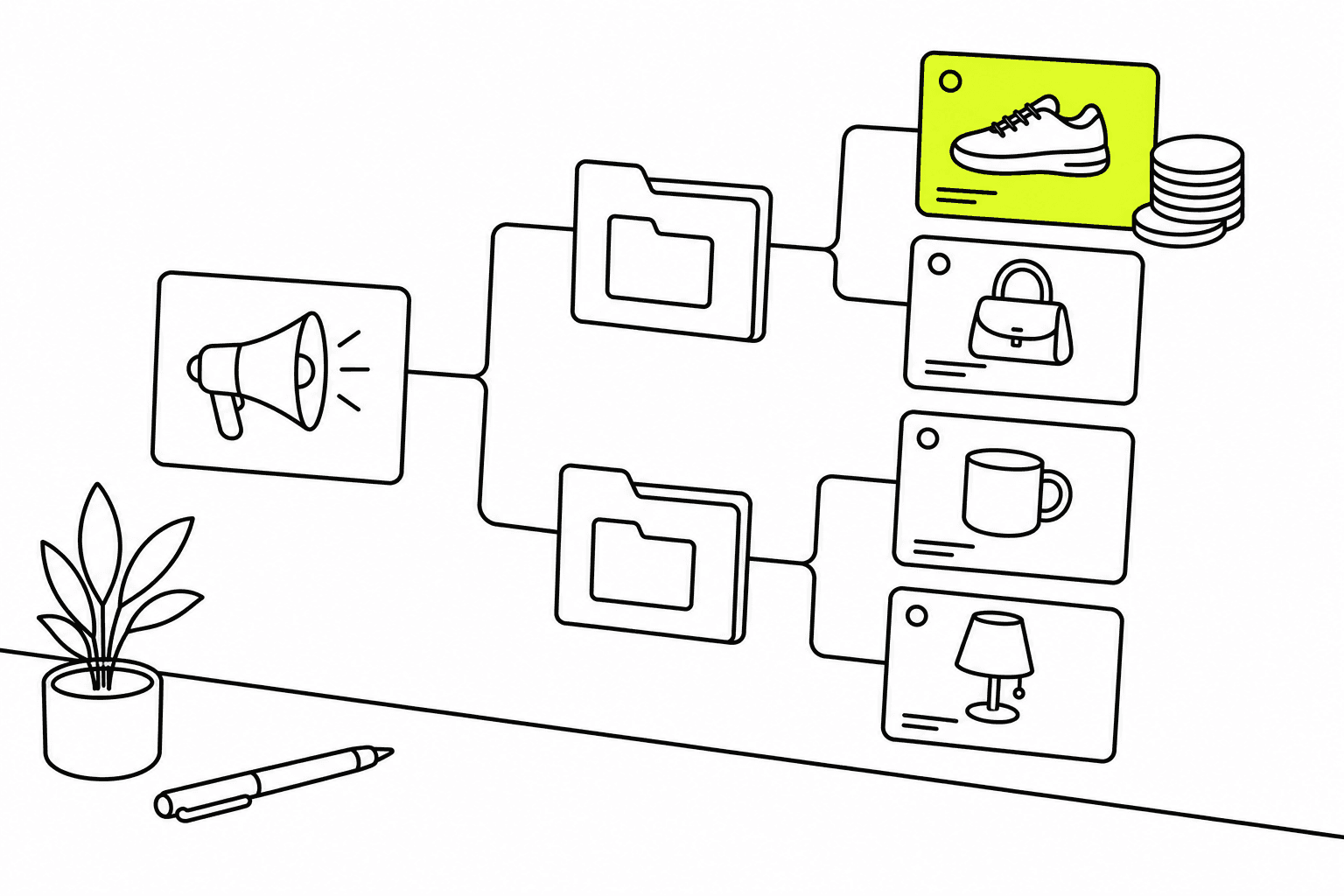
04
Clicks you can audit
Open any order to see its UTM parameters, click IDs, landing pages and the visits before checkout, in order. Filter by product and date range, and check a number before you act on it.
Reading the attribution report
Questions, answered.
Which attribution tool shows the ad creative behind each order?
Zalify Attribution records the UTM parameters and click IDs on every visit, so each Shopify order traces back to its channel, campaign, ad set and ad. Reports group revenue the same way, so you can compare creatives by the orders they brought. See the creative-level attribution guide.
Which UTM parameters do I need?
utm_source, utm_medium and utm_campaign identify the channel and campaign; utm_term carries the ad set and utm_content the ad. UTM tagging explains how Zalify reads them, and the guide lists the dynamic parameters for Meta, Google and TikTok.
Does it need Zalify Pixel?
Yes. Zalify Pixel records where each visit came from; without it, orders have no journey to attribute. Install Zalify Pixel once and attribution starts from the next visit.
Can I see ad attribution and email revenue in one dashboard?
Yes. Email sent from Zalify Email is credited in the same report as Meta, Google and TikTok, with the same model. You see which ads brought a customer in and which flows brought them back.
How is it different from Triple Whale or Northbeam?
Those tools measure. Zalify measures and also runs the email, on-site and ad work in the same app, so a change you make is counted in the same place. Zalify doesn't offer media-mix modeling or incrementality tests.
What does it cost?
Each attributed order costs $0.05. Zalify Attribution comes with the Growth plan (US$99/month) and Scale, with usage of the same amount as the fee included; Scale is a fixed fee by store size, never a percentage of revenue. See pricing.
Credit each order once, down to the ad.
Start with Zalify Pixel and Attribution on a 3-day free trial, or book a demo and we'll walk you through your own orders.