Broadcasts
Email campaigns for your Shopify store, sent to the right segment.
A broadcast is a one-off email: a launch, a sale, a restock, a story. Pick the lists and segments it goes to, design it on your brand kit, check it, and send it now or on a schedule. Each one reports its opens, clicks, orders and revenue.
Capabilities
The right message,
to the right segment.
01
Every planSend to the lists and segments you choose
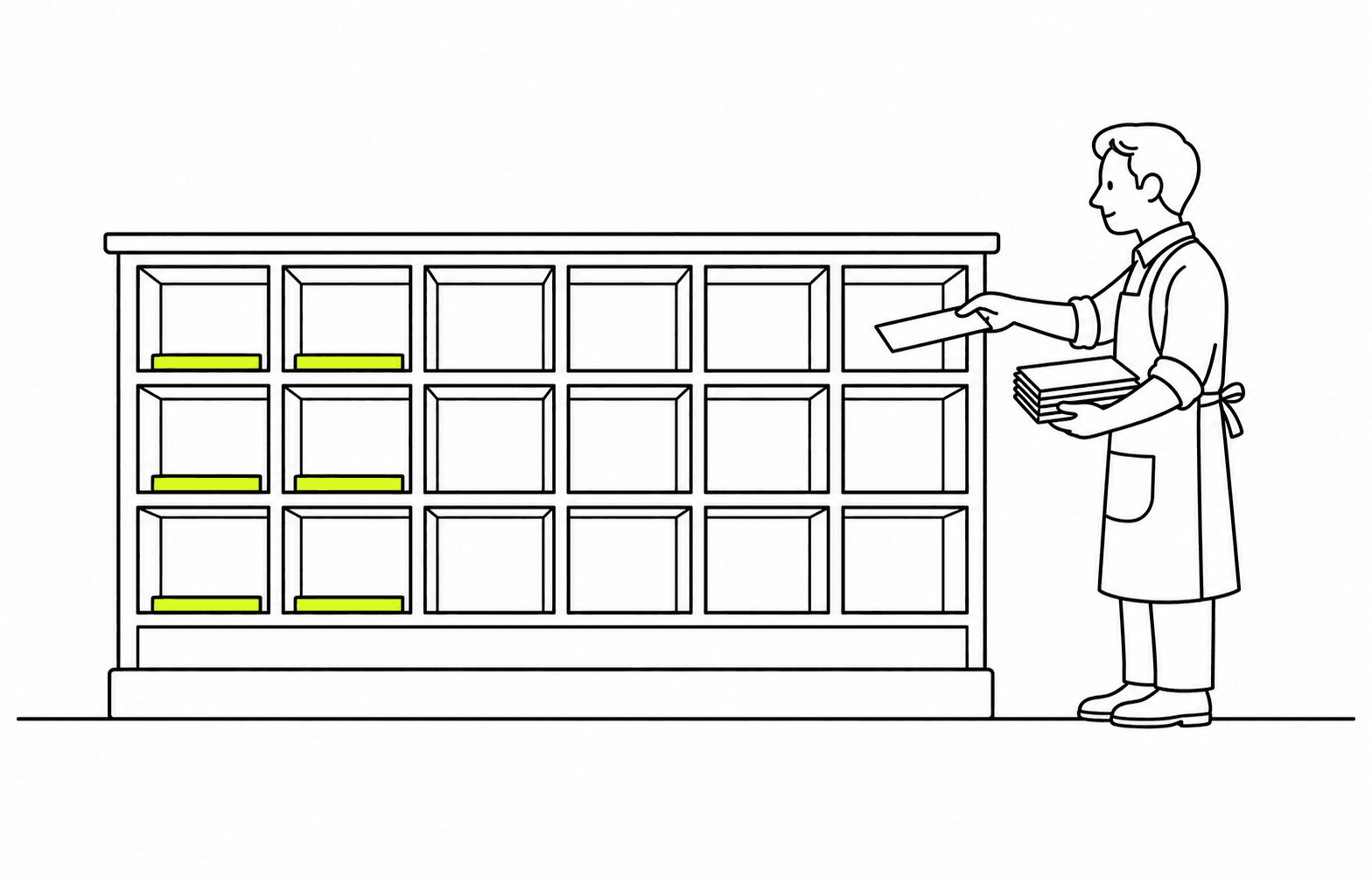
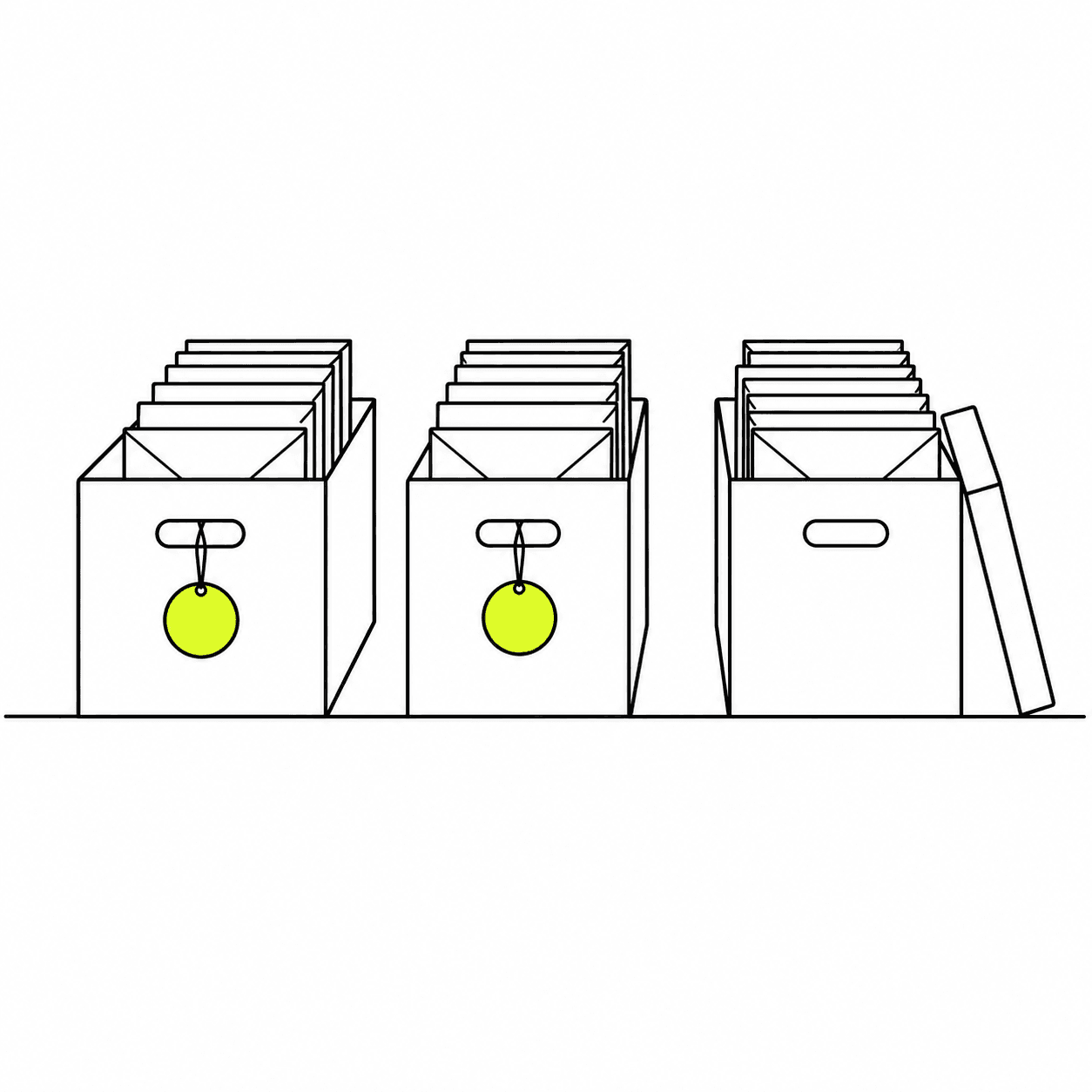
Send to all your email subscribers, or combine any lists and segments and leave others out. The recipient count shows before you send, along with how many people in the audience aren't subscribed and will be skipped.
02
Start from a template, a blank page or a sentence
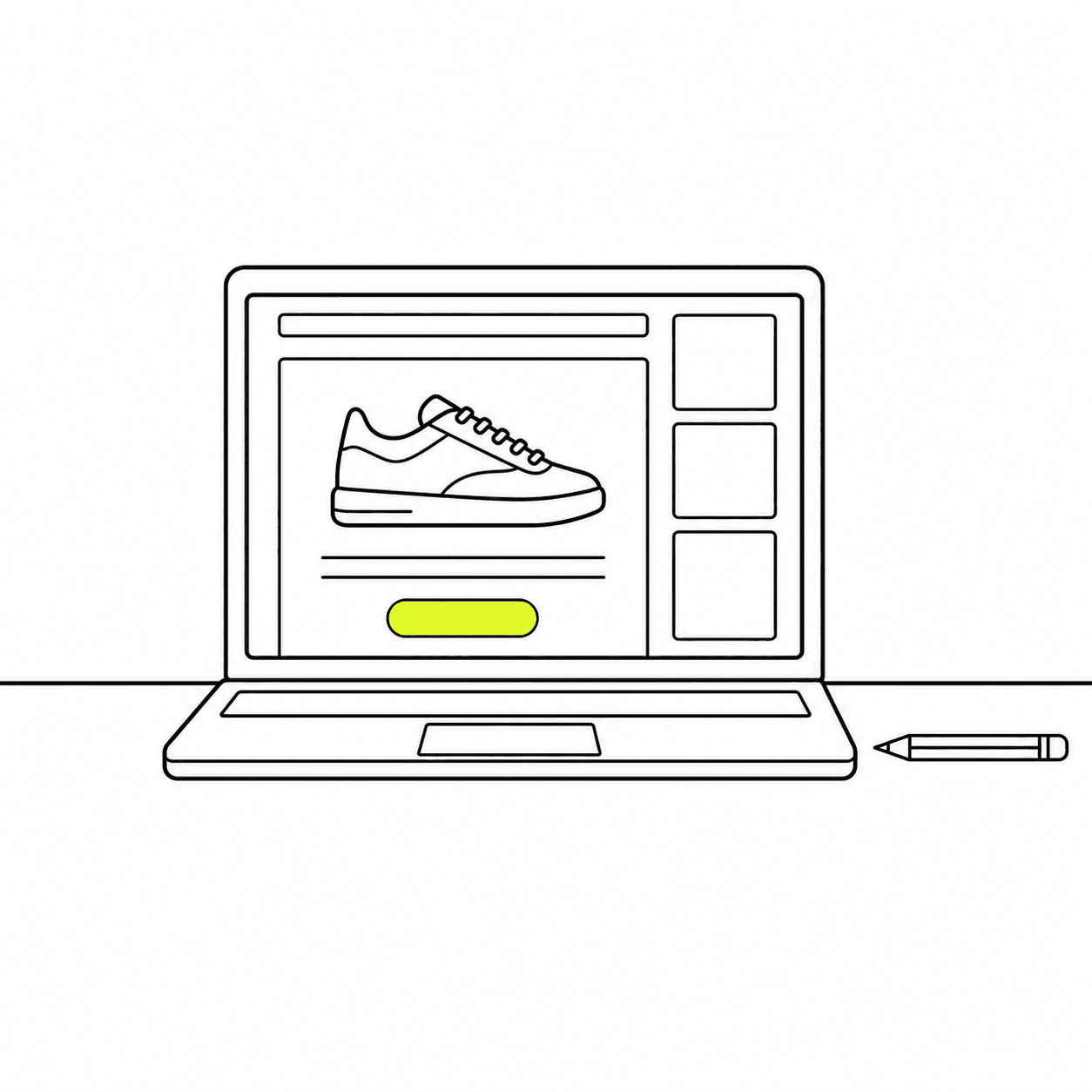
Pick a template from the library, already in your brand kit's fonts and colors, reuse one you saved, or describe the email and have it designed with your brand and pictures. The editor works in blocks: text, images, buttons, columns, a gallery. Check the result on desktop and on a phone, and greet each customer by name with merge tags.
03
A check before every send
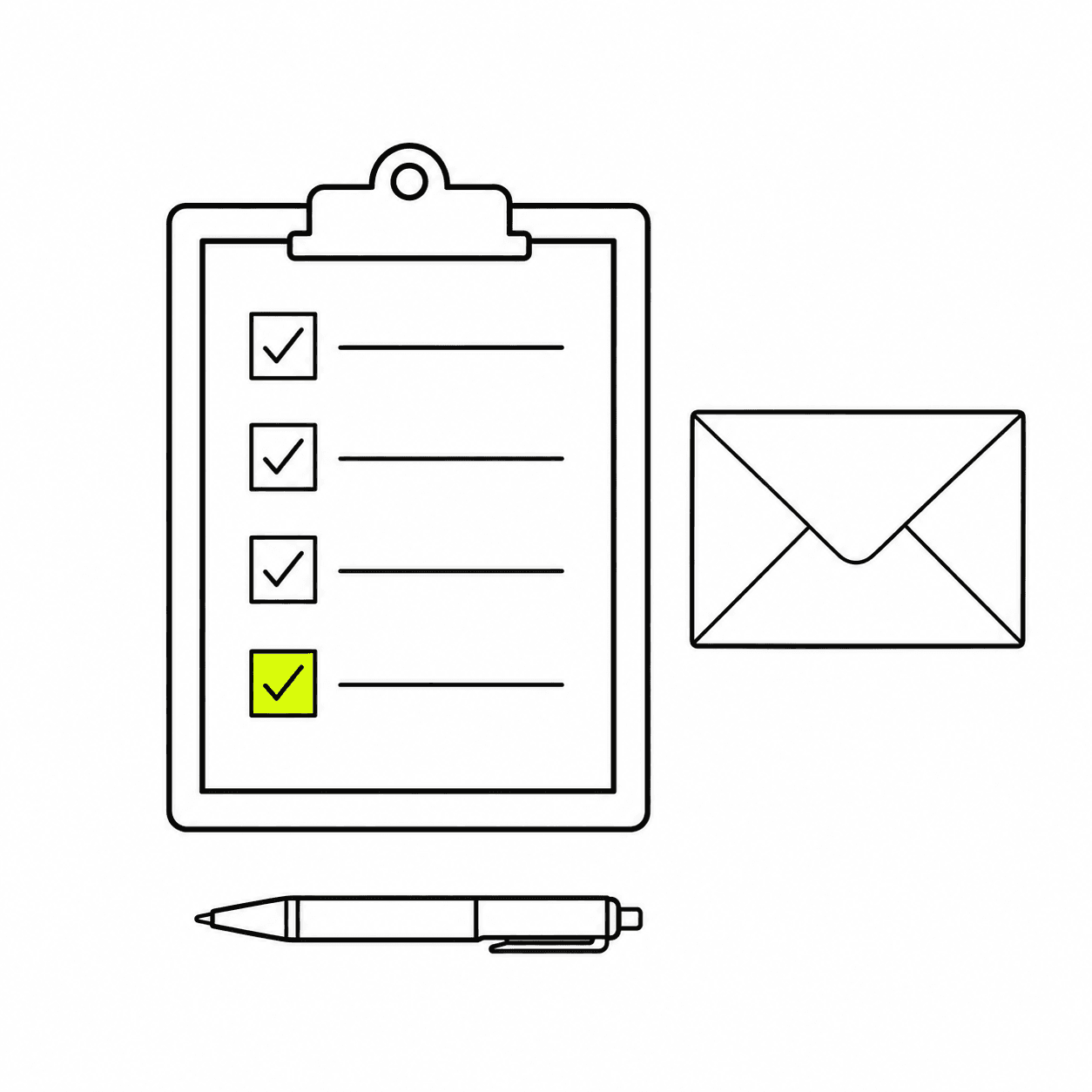
The pre-send check looks for the mistakes that can't be fixed once an email is out: no unsubscribe link, a missing picture, a link that goes nowhere, placeholder text left in, a discount code that has ended, a price that doesn't match the store. Then send a test to your own inbox or a colleague's.
04
Now, or on the day and hour you pick
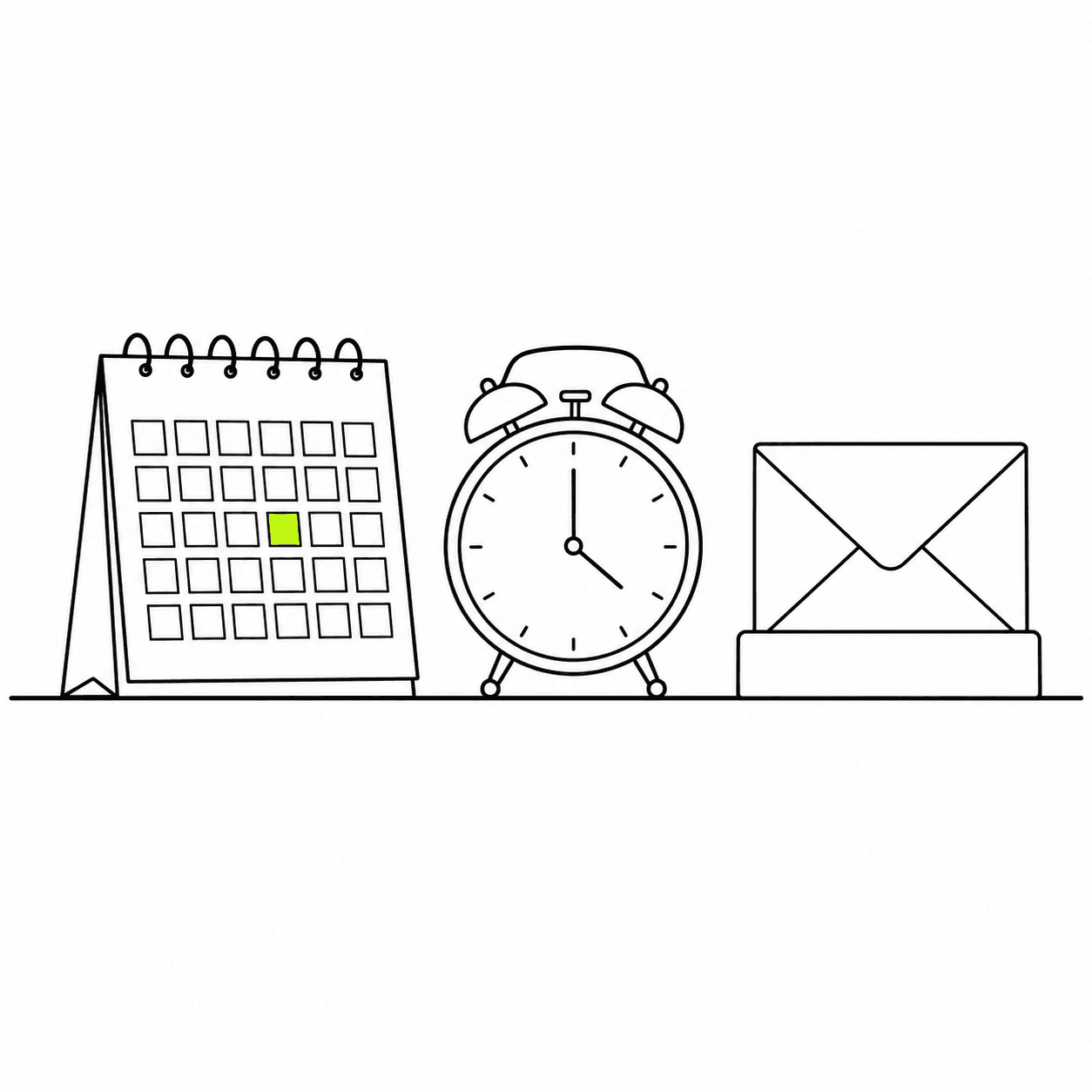
Send at once or schedule a date, a time and a time zone. Until sending starts you can cancel, edit and reschedule. During a send you see how many recipients are done and when it's expected to finish, and you can pause and resume it.
05
Revenue for every send
Each broadcast reports its recipients, open rate, click rate, orders and revenue, down to who opened, clicked, bounced or unsubscribed. Revenue is the orders placed within 45 days by customers who clicked the email. The list of sends compares them by revenue per recipient.
How Zalify Attribution counts orders
Deliverability
Sent so it reaches the inbox.
A campaign only earns what gets delivered. These protections apply to every broadcast.
01
Your own sender domain
Broadcasts send from a domain you verify with DKIM, SPF and return-path records, and settings give you a DMARC record to add.
02
Reviewed before it goes out
An AI pre-review flags what needs changing as soon as you submit, and the broadcast is reviewed on our side before it sends.
03
Bounces and complaints handled
Hard bounces, spam complaints and unsubscribes are suppressed automatically, and every email carries a one-click unsubscribe.
04
A limit that grows with you
A new sender starts with a daily limit on first-time recipients. It rises as your sends stay clean, which is how mailbox providers come to trust a domain.
Questions, answered.
What is a broadcast?
A one-off email you send to lists or segments: a product launch, a sale, a newsletter. An email that sends itself when a customer does something, such as leaving a cart, is a flow.
Who receives a broadcast?
Only contacts subscribed to your marketing email. Anyone in the audience who isn't subscribed, or whose address is suppressed, is skipped, and the report lists who was skipped. See subscription status and unsubscribes.
Can I change a broadcast after scheduling it?
Yes, until sending starts. Cancelling returns it to a draft that you can edit and schedule again. Once it is sending you can pause, resume or stop it.
Is every broadcast reviewed before it sends?
Yes. An AI pre-review tells you right away whether anything needs changing, and the broadcast is then reviewed on our side. If it needs changes it comes back with the reviewer's note. Senders with an established record can be approved automatically.
How is a broadcast's revenue counted?
Links in the email are tagged automatically. An order counts for the broadcast when the customer clicked one of those links and ordered within 45 days of the send. The orders come from the same record Zalify Attribution reads.
Can Nora write a broadcast?
Yes. Describe the email and it is designed with your brand kit and pictures. Nora, the AI agent built into Zalify, can also copy an earlier broadcast, change its subject, audience and content, and send you a test. Sending waits for your confirmation.
How do I keep broadcasts out of spam?
Verify your sender domain before the first send, send to people who opted in, and follow the deliverability practices.
What do broadcasts cost?
Broadcasts come with every plan. Emails cost US$2 per 1,000 sent, from the usage your plan includes. A broadcast is submitted only when the balance covers its whole audience. See pricing.
Send the next campaign to the right segment.
Install Zalify, pick a template and an audience, and schedule your first broadcast.