AdsBuddy
Every Meta and Google ad account, in one place.
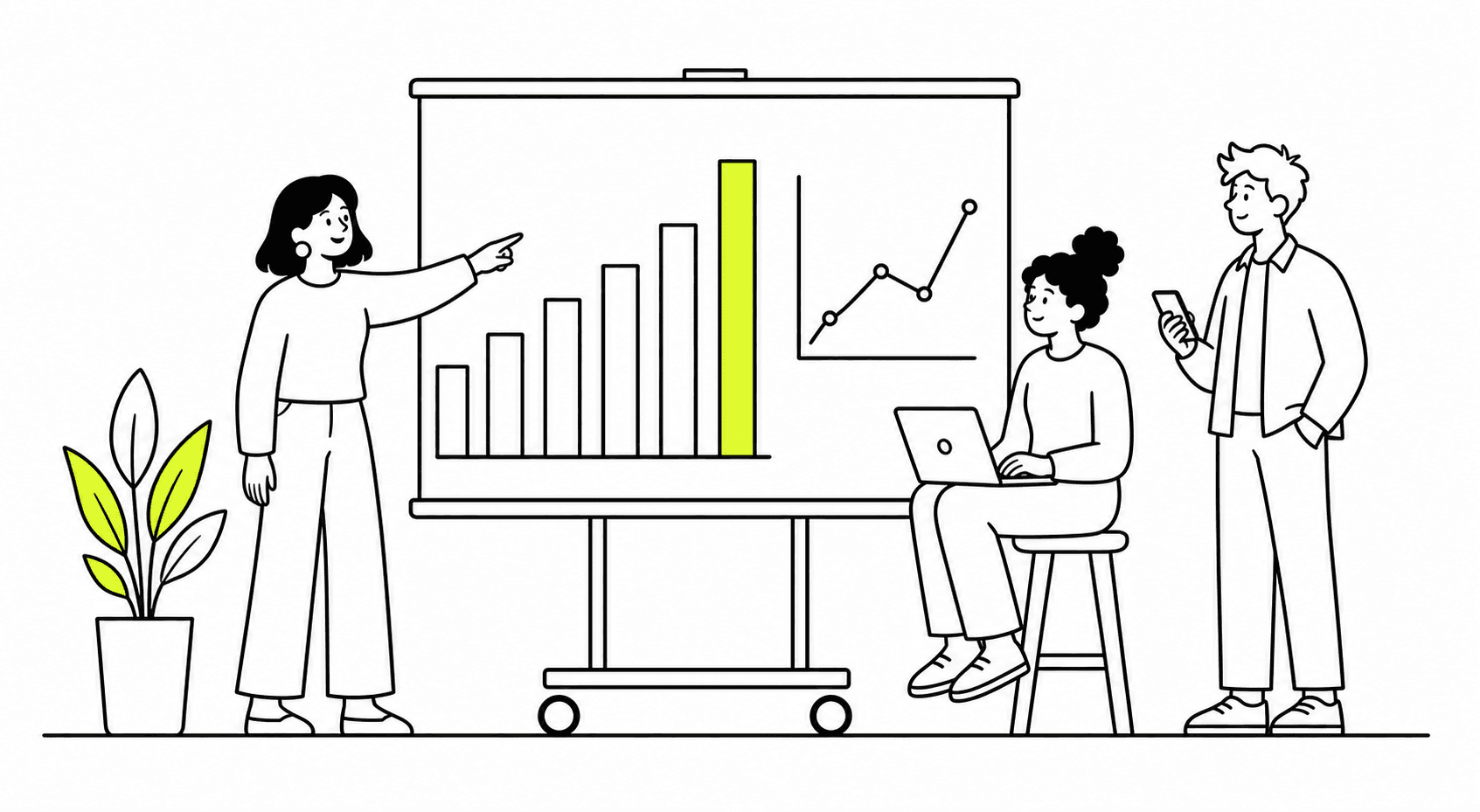
Run ten ad accounts or a few hundred from one screen. AdsBuddy syncs the numbers every hour, turns the report your team spends hours assembling into one that is ready in seconds, and sends it to your team's email or Slack.
Works with
Meta Ads
Google Ads
Capabilities
Many accounts.
One report, in seconds.
01
All your ad accounts, managed at once
Connect your Meta and Google Ads accounts and work across all of them together, whether that is a handful or several hundred. Totals, campaigns and creatives read across every account, and you can narrow to one platform or one account at any time.
02
Data synced every hour
Spend and results are pulled every hour, so the number in front of you is this morning's and not yesterday's. Meta refreshes hourly today; Google Ads follows on the daily pass.
03
Reports in seconds, not hours
The daily report compares any day with the day before, split by ad account, campaign, ad set, ad, creative or creator. The report builder groups on two levels, compares with the previous period and keeps the views your team reuses. What used to be an afternoon of exports is on screen when you open the page.
04
Sent to email or Slack
Put a report on a schedule and it arrives in your team's inbox or Slack channel, so nobody has to log in, export and forward it every morning.
05
Your ROAS beside the platform's
Every view shows spend with Zalify ROAS, platform ROAS and ad CAC. Zalify ROAS counts only the orders your store took that trace back to a campaign; platform ROAS is what Meta or Google reports about itself.
06
Creative, cut the way you brief it
See results by creator, by content source, by format and by creative age across every account, with a preview of each top ad. The cuts are read from your ad names, and each section says how much of the spend it covers.
For teams that buy at scale
Less time assembling numbers.
The work is deciding what to change. Collecting the figures shouldn't take the morning.
01
Account problems at the top
Expired access, a failed sync, a missing permission or a time-zone mismatch on any account is listed first, so one broken account doesn't hide among a hundred.
02
Views the team shares
Save a report for the team or for yourself. Buyer weekly, SKU monthly and weekly trend come ready, and every report exports.
03
Google Ads in depth
Search terms, budgets and bidding, Performance Max and Merchant Center products each have a page, with what spent without selling flagged.
04
Ask Nora
Nora, the AI agent built into Zalify, answers questions about any account and drafts campaigns for you to confirm.
Questions, answered.
What is AdsBuddy?
The part of Zalify for paid ads. It brings all your Meta and Google Ads accounts into one place, syncs their data every hour, and produces the reports your team needs against the orders Zalify Attribution ties to each campaign.
How many ad accounts can it handle?
As many as you run. AdsBuddy is built for teams with many accounts, from a handful to several hundred, across Meta and Google Ads.
Which ad platforms does it connect to?
Meta and Google Ads. You connect the accounts yourself and choose which ones AdsBuddy reads. TikTok is not connected yet.
How do reports reach my team?
Open them in Zalify, export them, or put them on a schedule and have them sent to email or a Slack channel.
How is Zalify ROAS different from the ROAS in Ads Manager?
Ads Manager reports the purchase value Meta credits to its own ads. Zalify ROAS divides spend into the revenue from orders your store took that trace back to that campaign. The two are shown side by side.
How do I get AdsBuddy?
Book a demo. Our team switches AdsBuddy on for your workspace, and from there you connect your ad accounts yourself. Self-serve sign-up is coming.
Can your team run the ads for me?
Yes. That is our managed paid ads service: our team runs your accounts on AdsBuddy, with creative and landing-page work included.
See all your ad accounts on one screen.
Book a demo. We switch AdsBuddy on for your workspace and connect your Meta and Google Ads accounts with you.