Email design
Design on-brand emails for your Shopify store, with an AI editor.
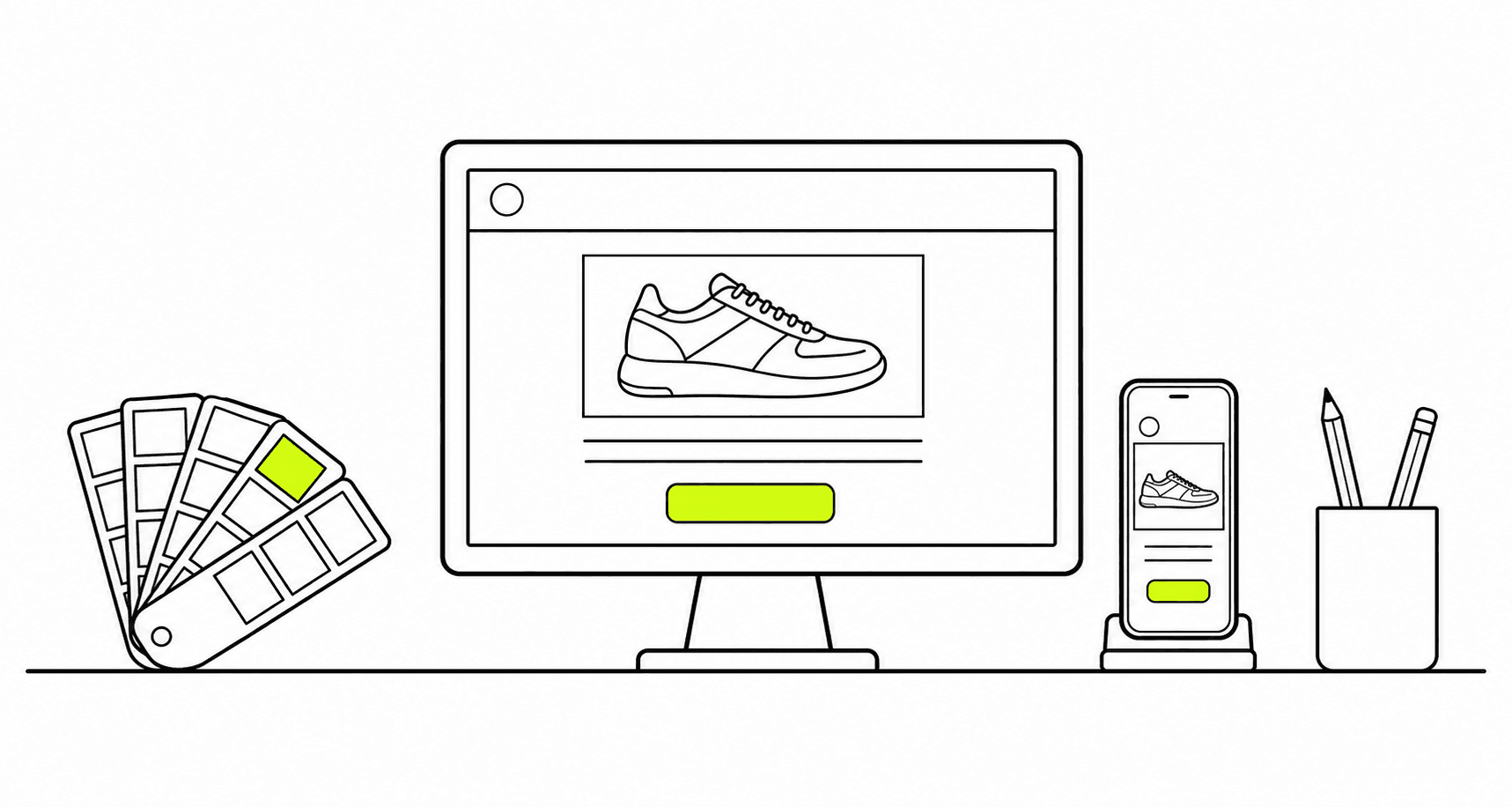
The email editor shows the desktop and phone versions side by side while you build with blocks. Start from a template in your brand kit's colors and fonts, or describe the email and let the AI editor write it. The same emails go out as broadcasts and in your flows.
Capabilities
Design the email.
See it on both screens.
01
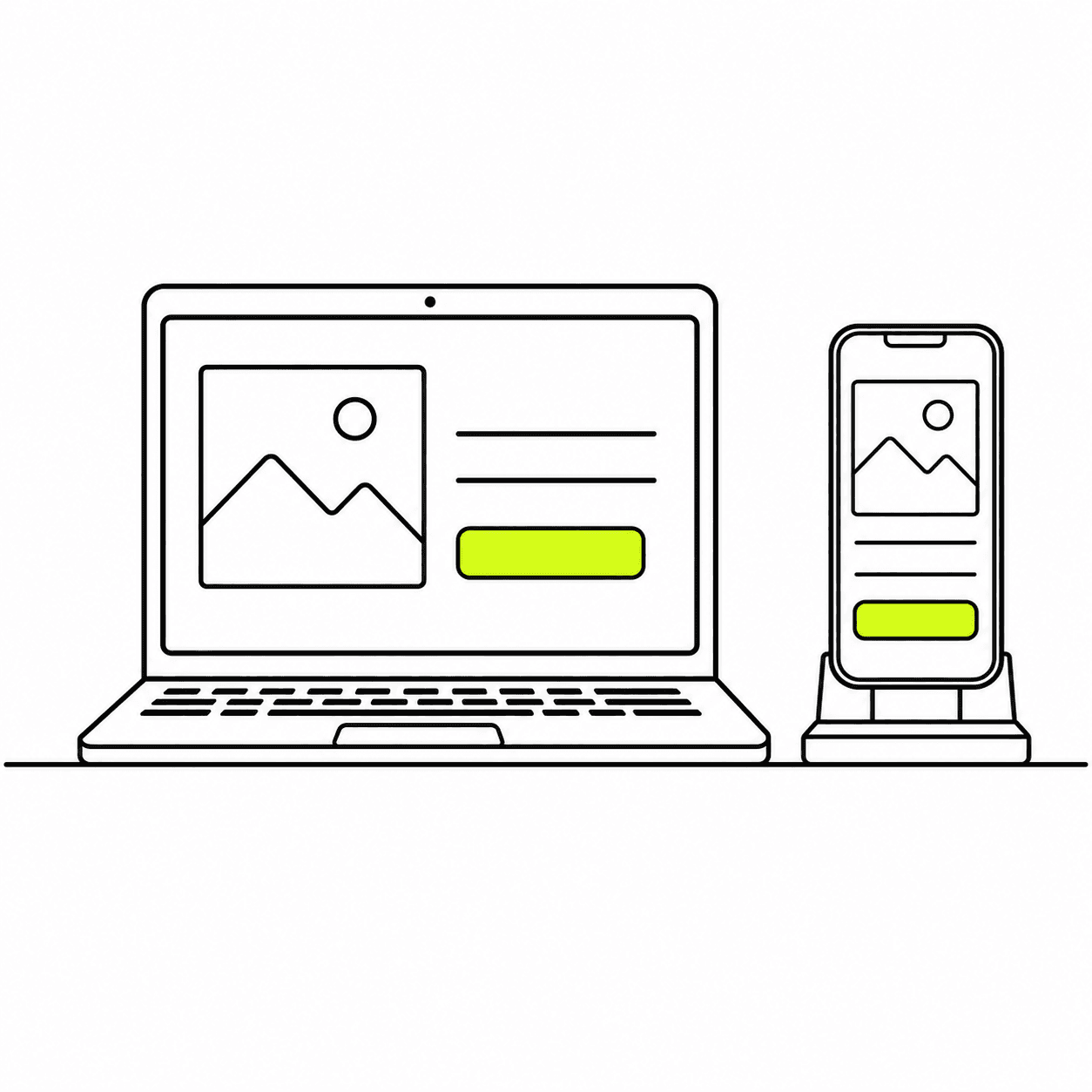
Every planDesktop and phone, side by side
The canvas shows both versions at once. Click a block in the phone frame and its size, spacing and alignment change for phones only. Columns stack on a phone unless you keep them side by side, and large headlines scale down on their own.
02
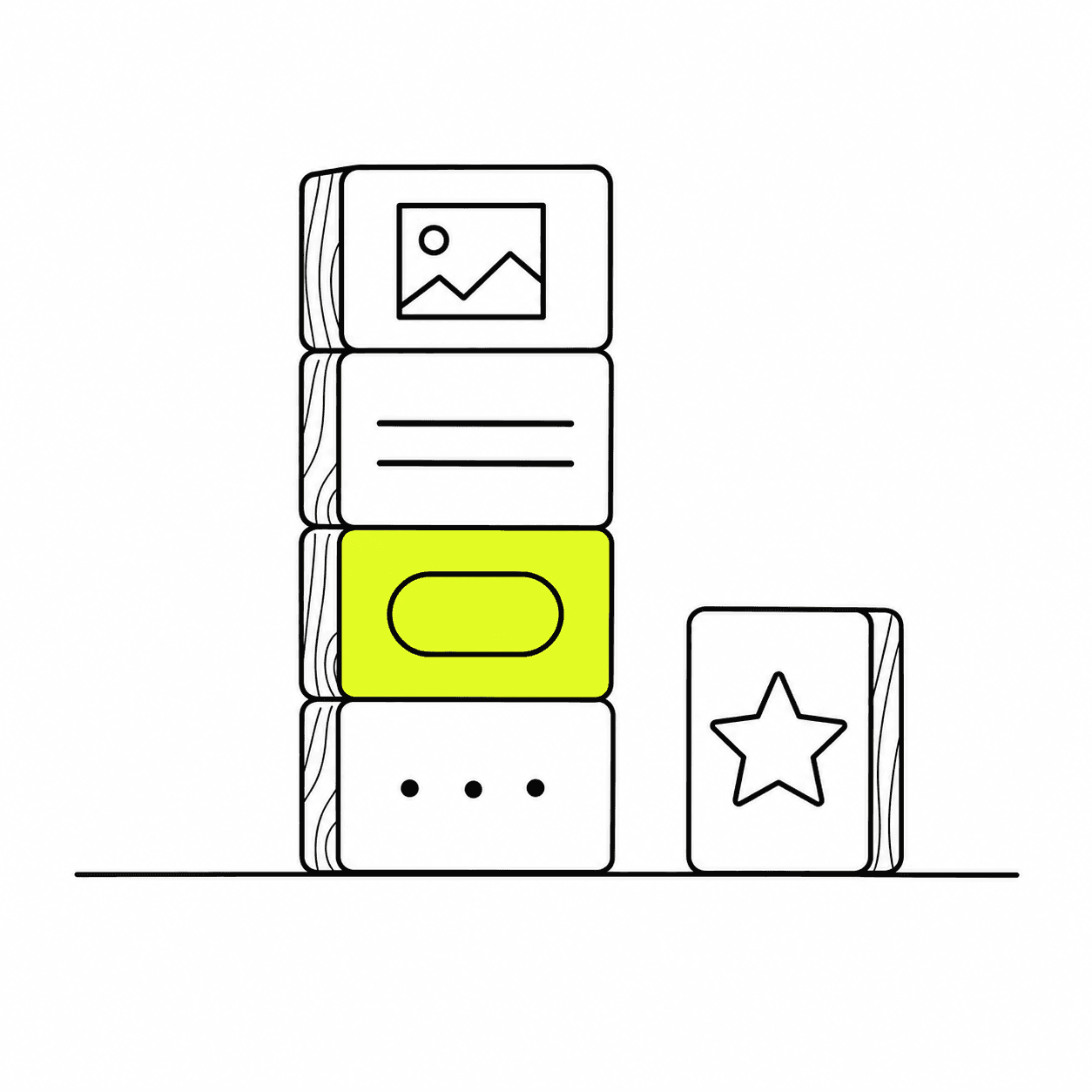
Blocks, layers and one theme
Build with text, image, button, hero, columns, gallery, navbar, social links and footer blocks. Drag them into the layers tree to place and reorder them. One theme sets the email's width, fonts, text and link colors and button style, and every edit can be undone.
03
Your brand kit, templates and AI designs
The brand kit holds your logo, colors, fonts, address and social links, and the template library is assembled from it, so a welcome, sale, cart or win-back email starts in your brand. When no template fits, describe the email and the AI editor designs a new one, as many times as you like. Upload your own fonts, or pick a Google font and convert a headline to an image where email apps won't load it.

04
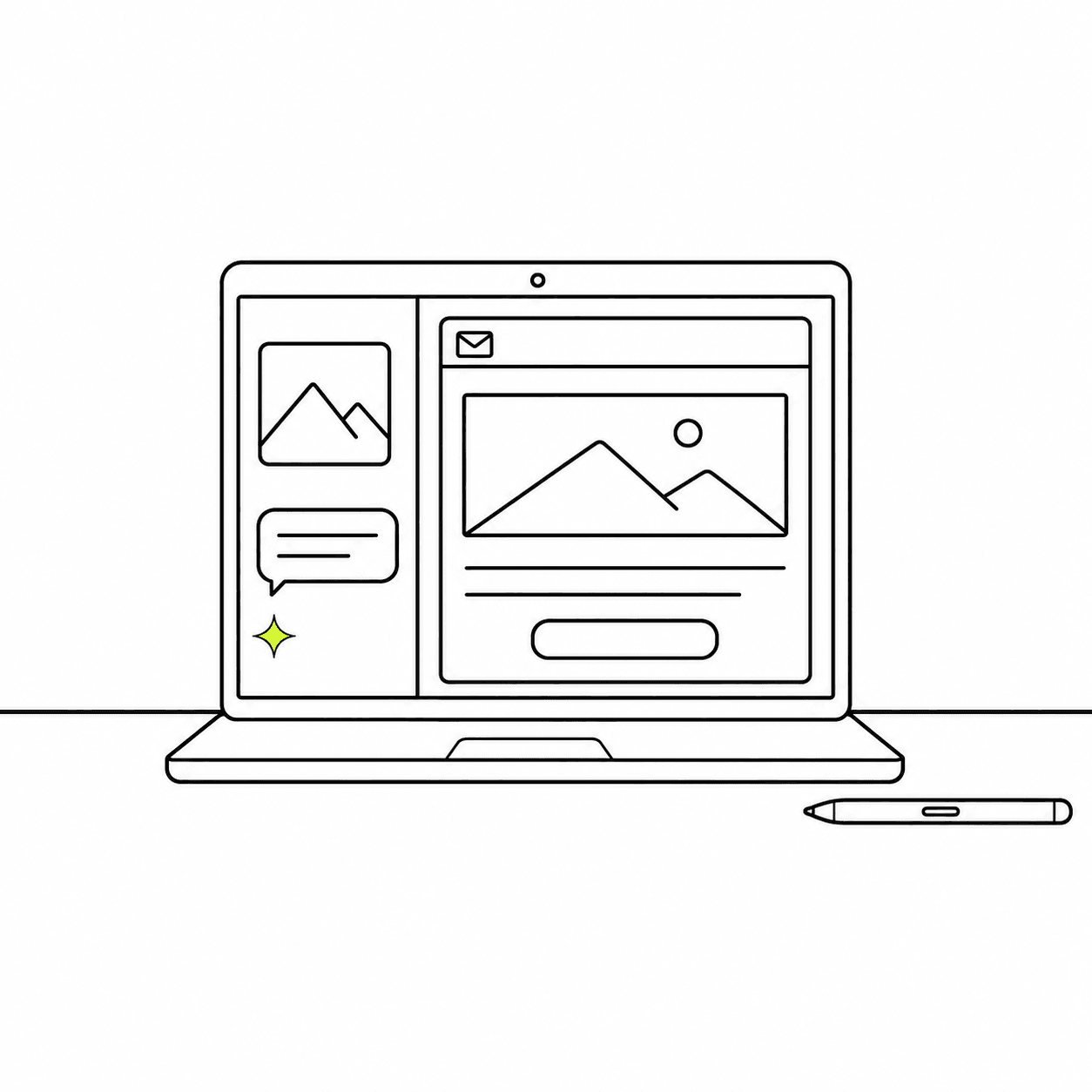
An AI editor that takes a sentence or a screenshot
Describe the change or paste a screenshot of a layout you like. The AI editor adds, restyles and moves blocks, writes a section or the whole email, looks up products in your store, and generates or edits a picture in place. Polish tidies type and spacing in one click.
05
Checked before it ships
The pre-send check reads the email for a missing unsubscribe link, dead links, low-contrast text, headlines too big for phones, images without alt text and a size Gmail would clip, and checks discount codes and prices against your store. Then send a test to any inbox.
Designing emails in the editor
Built for inboxes
What arrives is what you designed.
Email apps render HTML in their own ways. The editor handles that for you.
01
Layouts that hold in Outlook and Gmail
Emails are built from a block structure made for email apps, not free-form positioning, so columns and spacing survive the inbox.
02
A plain-text version, written for you
Each email gets a plain-text version generated from its content at send time, with links shown as text. Write your own when you prefer.
03
A draft until you publish
Edits autosave as a draft. An email used in a live flow changes only when you publish, and the editor shows how many flows use it.
04
Code when you want it
Open the MJML source of the whole email, edit the HTML of a text block, or add your own CSS.
Questions, answered.
Which email tool for Shopify can design on-brand emails with AI?
Zalify. The AI editor builds an email from a sentence or a screenshot, using your brand kit and the products in your store, and you keep editing it in the same editor with desktop and phone side by side.
Can I use my own fonts?
Yes. Upload up to 20 custom fonts to your brand kit and they appear in the editor's font picker. Many email apps fall back to a system font, so a headline can be converted to an image to keep its exact look.
Will editing an email change a flow that's already running?
Not until you publish. Edits are saved as a draft, and the editor tells you which flows use the email before the new version goes live.
Can the AI use my products?
Yes, when your Shopify store is connected. It looks products up by name and places their pictures, titles and links in the email. AI edits and pictures are billed from the usage your plan includes.
Can I edit the code?
Yes. The editor can show the email's MJML source and apply your changes, a text block can be edited as HTML, and the theme takes custom CSS.
Is Zalify a cheaper Klaviyo alternative?
Zalify charges for the emails you send, US$2 per 1,000, not for the contacts you keep, and customer profiles and behavior tracking are free. A store with 20,000 contacts that sends 60,000 emails a month pays about US$120 for sending. Stores that mail every contact several times a week may pay more than on a contact-based plan.
Can I move from Klaviyo?
Yes. Import your Klaviyo lists, rebuild your flows on the flow canvas or ask Nora to draft them, and keep sending from your old tool until you switch.
Design the next email on your brand.
Install Zalify, set up your brand kit and start from a template.