Forms & submissions
Forms for Shopify stores, where every submission becomes a customer.
A form asks for what you need: an email, a phone number, a choice. Each submission creates or updates the customer's record, adds them to the list you chose and can start your welcome flow. Read every submission, export it, and send from your own form when you already have one.

Capabilities
Ask once.
Keep the answer.
01
Every planThe fields you need, in steps
Ask for an email, a phone number with a country picker, a first and last name, email and SMS consent, and your own custom fields, including dropdowns and single-choice questions. Split the form into steps: the email first, the phone number next, then a thank-you step with the discount code.

02
Send from your own form
Already have a form on your site? One call from your own code saves the submission and subscribes the person to a list. Pick the list and copy a snippet that is already filled in for you. The same call can carry the cart, so an abandoned-cart reminder can follow.

03
Each submission becomes a customer
A submission creates or updates the customer's record by email, and the answers are saved on it as properties you can segment on. Consenting subscribers join the list you attached, with double opt-in when the list asks for it, and the welcome flow starts when they join.

04
Read and export every submission
Each form has its own table with a column per field, the number of submissions and unique customers, and a CSV export. Leads from your Meta lead ads can be brought into the same place.

05
Measure it, then test it
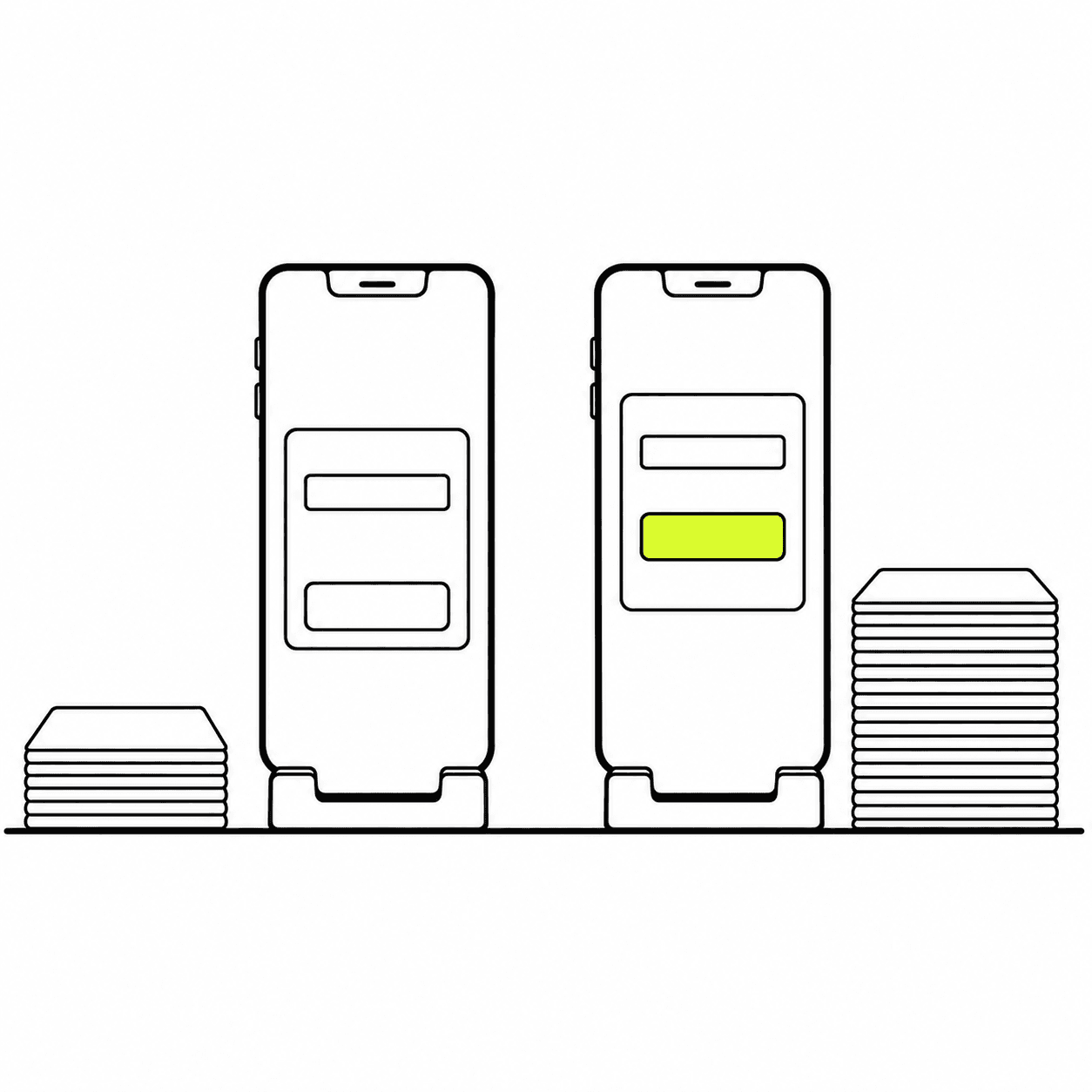
Every form shows its opens, submissions and submission rate over time. Run two popups, or two versions of one, as an A/B test: each visitor keeps the version they first saw, the report shows each one's submission rate against the control, and you choose which to keep.
Around the form
Clean data in, at the right moment.
A form is only as useful as what it lets through and when it's shown.
01
Shown when it fits
Show a popup when a visitor views a page, scrolls, stays a while, adds to cart or is about to leave, once per session or per page, between the dates you set.
02
Consent kept with the answer
Email and SMS consent are their own fields. Only people who consent are subscribed, and the subscription is written back to the customer in Shopify.
03
Phone numbers that work
A number that isn't valid for its country is refused before anything is saved, so the list doesn't fill with numbers you can't reach.
04
Bots left out
Submissions with machine-made names are dropped, and each source is rate-limited, so the table holds real people.
Questions, answered.
What is the difference between a popup and a form here?
A popup is a form shown on your store at a moment you choose. This page is about what a form collects and what happens to each submission, whether it came from a popup or from a form of your own.
Can I use the form I already have on my site?
Yes. Choose "Connect your own", pick a list, and copy the snippet into your form's code. Each submission is saved and the person is subscribed to that list, the same as with a popup.
Can I ask shoppers a question, such as why they are leaving?
Yes. Add a single-choice or dropdown question to a popup and show it when a visitor is about to leave. Each answer is saved with the submission and on the customer's record, and exports with the rest.
Where do the answers go?
To the form's submissions table, and onto the customer's record as properties. From there you can build a segment on an answer or branch a flow on it.
Can I import leads from Meta lead ads?
Yes. Leads from your Meta lead forms can be synced in as submissions, so they sit beside the ones from your store.
Which plan includes forms?
Every plan. Forms and popups come with Zalify Popups, from the Starter plan. See pricing.
Turn the next sign-up into a customer record.
Install Zalify, build a popup or connect the form you already have.