Flows
Email flows for your Shopify store that start from what customers do.
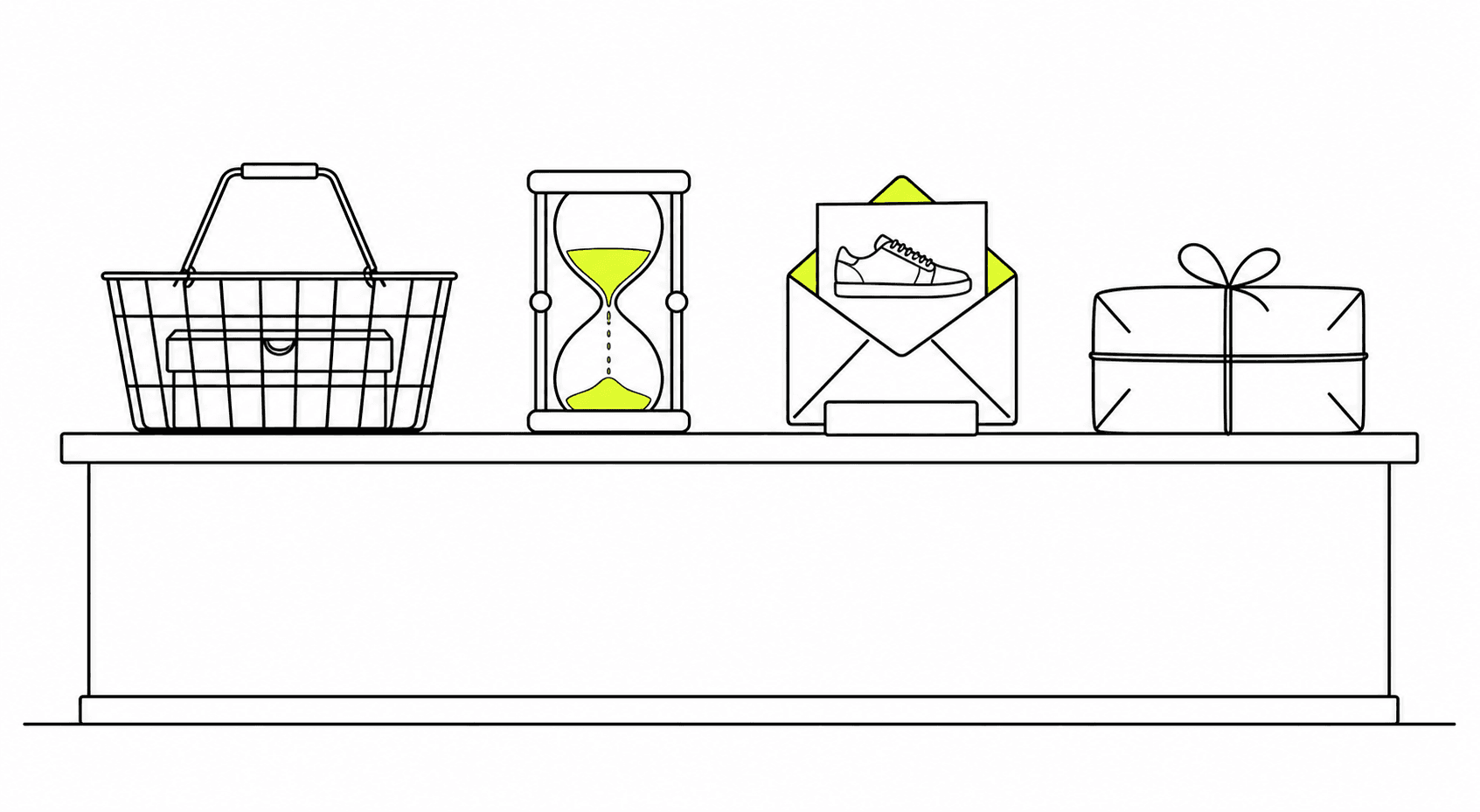
A flow starts when a customer does something: joins your list, leaves a checkout unfinished, views products and leaves, places an order or receives it. It waits, sends the email and splits on what they did next, and a cart reminder stops the moment the order arrives. Each flow shows the orders and revenue it brought back.
Capabilities
Set it up once.
Let it run.
01
Every planEight ways to start a flow
A flow can start when someone joins a list, leaves a checkout unfinished, views products and leaves, places an order or receives it. It can also start on a yearly date such as a birthday, when a customer enters a segment, or on an event your own site or app sends.
Starting a flow from your own event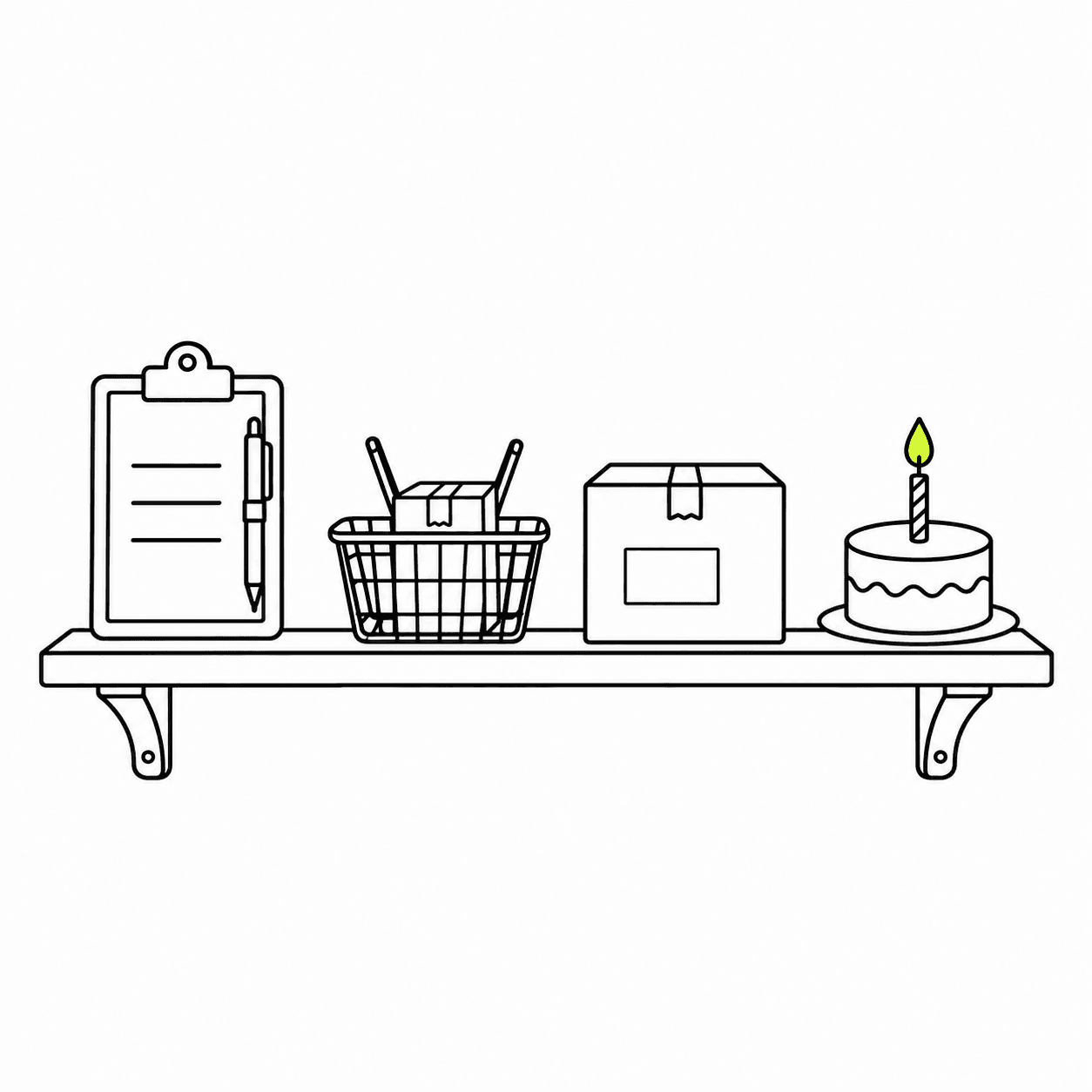
02
Emails, waits and splits on one canvas
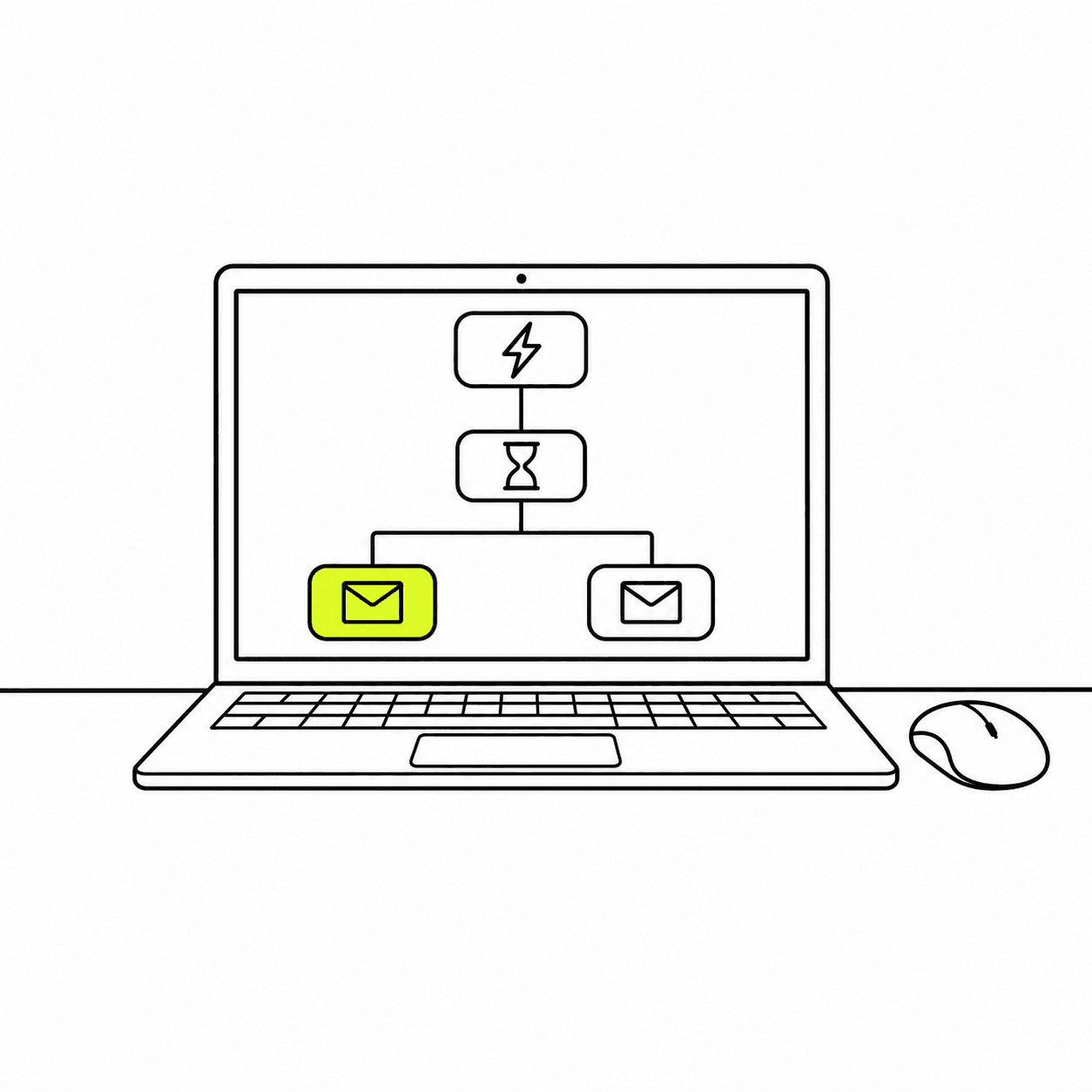
Build a flow of up to 200 steps. A wait lasts minutes, hours or days, or runs until a time of day in the customer's own time zone. A split sends people down two paths by what they did, such as placing an order, or by the order itself: its total, its products, its tags. An A/B split divides them at random, and an action adds a customer to a list, tags them or sets a profile property.
03
Templates for the flows every store needs
Abandoned cart, browse abandonment, post-purchase, review request, win-back and birthday each arrive with their waits, splits and emails in place, on your brand kit, as drafts for you to edit. The abandoned-cart flow has three emails spread over two days. A welcome flow starts from one email you write.
04
Nora drafts the flow from a sentence
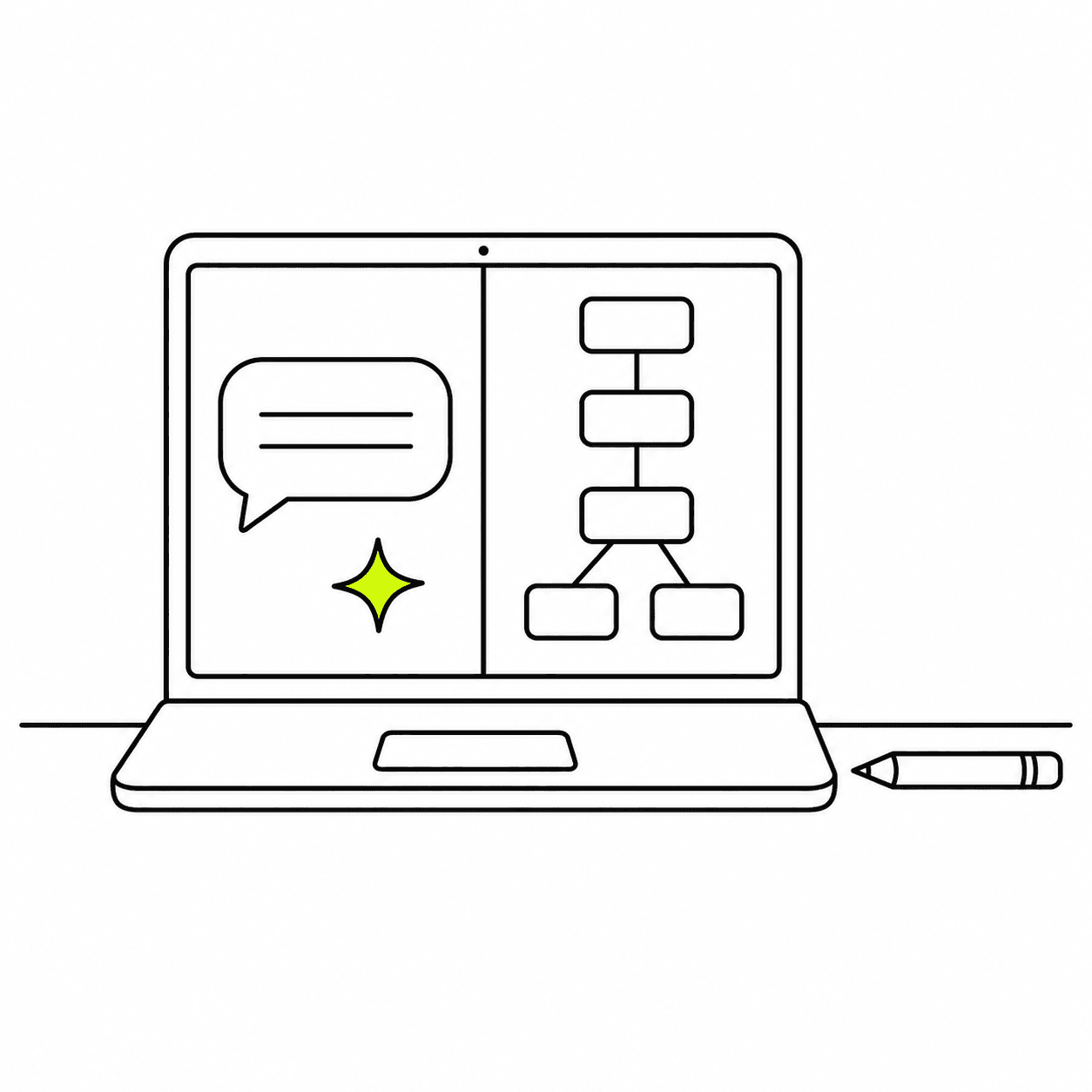
Describe the flow you want and Nora, the AI agent built into Zalify, builds it on the canvas as a draft: the trigger, the waits, the splits and the emails. She can write each email from your brand kit and the products in your store.
05
Revenue for every flow and every step
Each flow shows how many people entered, emails sent, open and click rates, revenue and revenue per email over the last 7, 30 or 90 days. Each step shows who reached it, its orders and revenue, and who is waiting there now. Revenue is the orders from visits that began with a click on the flow's emails.
How Zalify Attribution counts orders
Sending rules
A flow knows when to stop.
Automated email is only welcome while it's relevant. These rules are part of every flow.
01
It leaves when they order
A cart reminder stops the moment the order arrives. Any other flow can do the same, or leave on another event you choose, such as a started checkout.
02
Smart sending
Set a window on an email, and it's skipped for anyone who already got a marketing email from you inside it, from another flow or from a broadcast.
03
Your send window
Limit marketing email to the hours you choose, and flow emails wait for the window to open.
04
Only subscribers
Flow emails go only to customers subscribed to your marketing email, and every one carries an unsubscribe link.
Questions, answered.
Which email flows should a Shopify store start with?
Most stores start with a welcome flow, an abandoned-cart flow and a win-back flow. Each has a starting point on the new-flow page, with the trigger and the first emails set up for you to edit.
Can a flow start from my own event?
Yes. Send the event from your site, app or server with the Events API or the Zalify SDK for Node, a quiz result or a confirmed booking for example. A flow can start on it, filter on its fields and leave on it. See starting a flow from a custom event.
Can I A/B test inside a flow?
Yes. An A/B split sends the share you set down path A and the rest down path B, at random. Compare the two paths on the flow's Data tab.
What happens when I edit a flow that's already live?
People already in the flow finish the version they entered, and new entrants get your changes. You can also pause a flow and turn it back on.
Can a new flow reach customers from before it went live?
Yes, for flows that start on a list signup, an unfinished checkout, an order or a delivery. When the flow goes live you can add the customers from the last 1 to 30 days. A segment flow can add everyone in the segment now.
How is a flow's revenue counted?
By clicks. An order counts for a flow when the visit that led to it began with a click on one of the flow's emails. The orders come from the same record Zalify Attribution reads.
Is anything checked before a flow sends?
Yes. Going live runs a checklist: the trigger is set, the emails are ready and the sender can send. Each new flow email is also reviewed on our side before its first send, which protects deliverability for every store on Zalify.
What do flows cost?
Flows come with every plan. Emails cost US$2 per 1,000 sent, from the usage your plan includes, the same as broadcasts. See pricing.
Turn on the flows that bring orders back.
Install Zalify and start your first flow from a template.